
👪 For parents
Add this week's school list and your child plays with their own words. No list yet? Pick a starter list for grades K–6, or take the optional, gentle word check that suggests one.
 Word Blaster · a spelling game
Built by a dad for his 5th grader. Uses your child's real weekly school list. No ads.
🔒 No ads. No trackers. Kids never need an account.
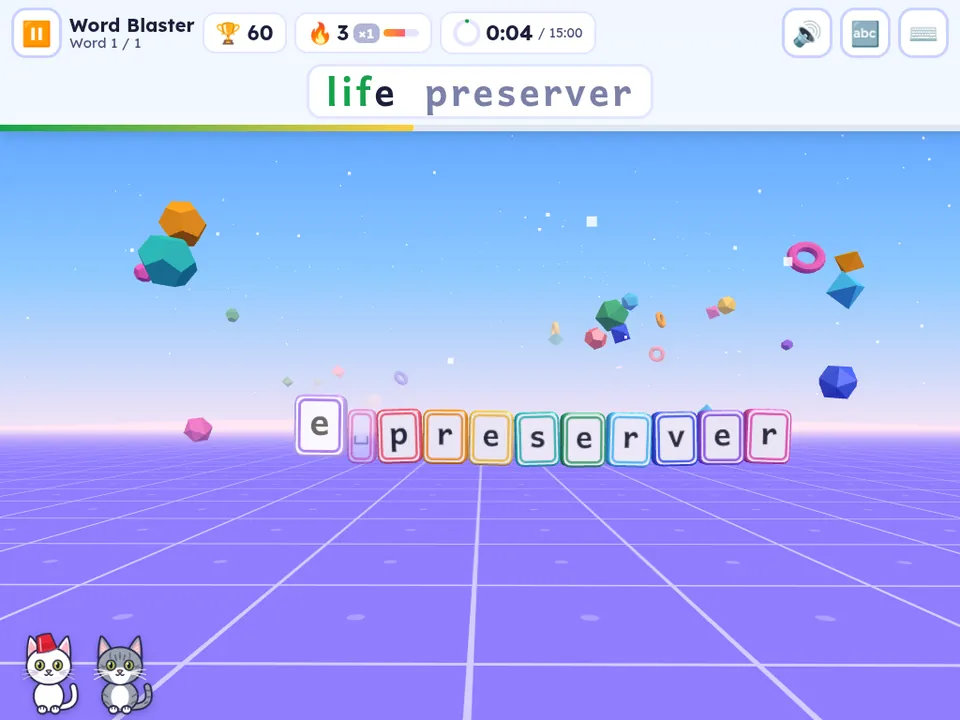


Add this week's school list and your child plays with their own words. No list yet? Pick a starter list for grades K–6, or take the optional, gentle word check that suggests one.
Project a room code and the whole class spells the same words at the same time. Students join with just a first name, with no accounts.
Teacher accounts are invite-only during the pilot.
Three steps. The list your child brings home from school drives everything.
Paste it, type it, or snap a photo of the paper. The photo is read on your device, and you check the words before they're saved. Between lists? Use a K–6 starter list until the next one comes home.
Five game modes, every word read aloud, and a daily goal with a sticker for reaching it. Streaks keep the habit going.
Missed words come back until they stick. Test Day mode is a practice quiz that works just like the real one.
Same words, different game, so practice doesn't get boring.
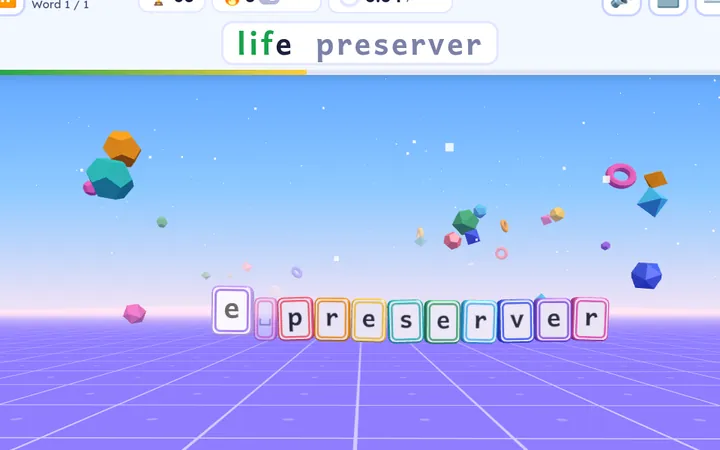
See the word, type it, and every letter tile blasts apart. Fast letters and long combos score big.
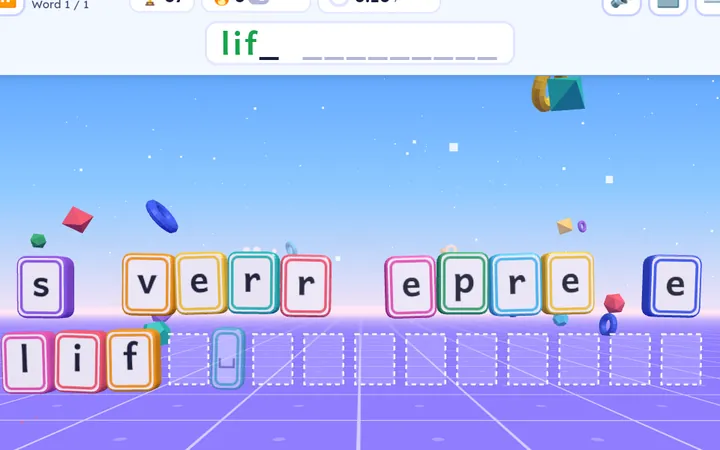
Tap (or type) the jumbled letters back into the right order.
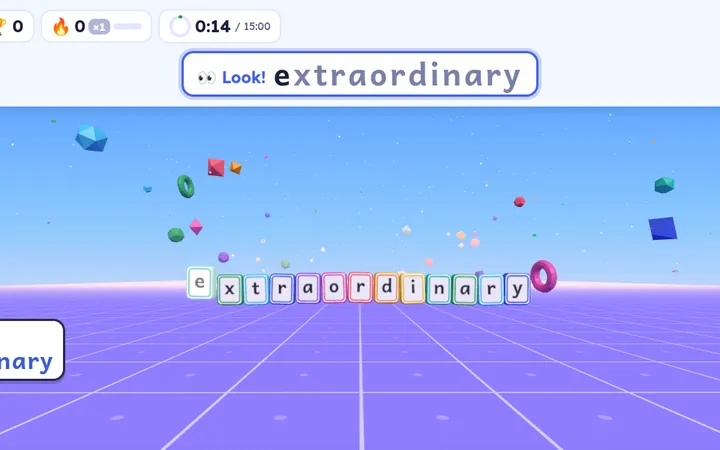
Peek at the word, then spell it from memory. It unlocks once a word is getting easy.
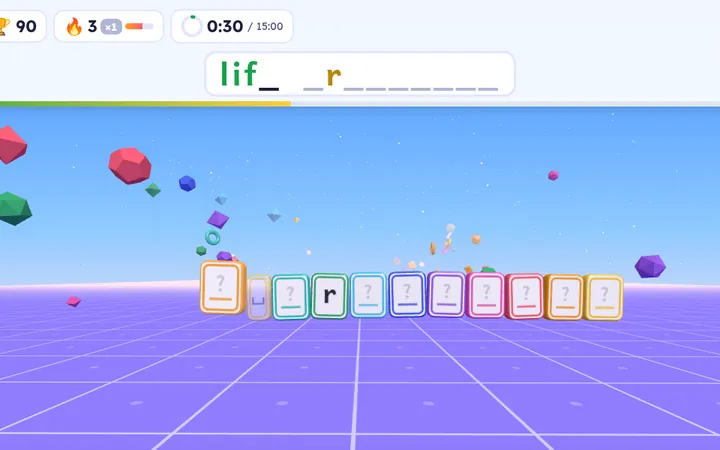
Hear the word and fill in blank tiles. A letter or two pops in as they get close.
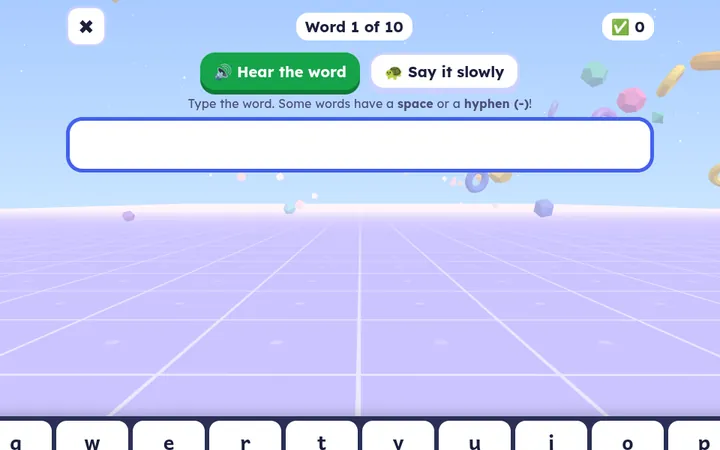
Hear it, type it, no hints, and a score at the end. A dress rehearsal for Friday.

Tap to hear any word, or hear it slowly. Cheers and letters use natural recorded voices, and your list's words use your device's voice. Bolt can't hear them, so he signs along.
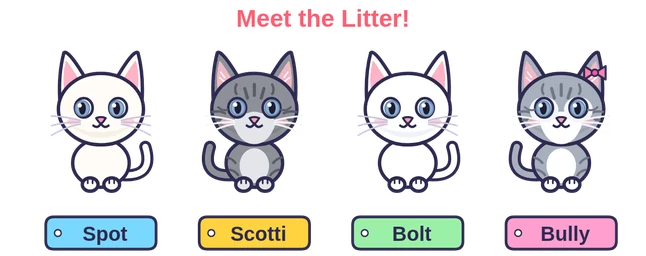
Every sidekick is one of our family's real cats, drawn as a cartoon. Kids earn cat stickers as they play.

Our deaf white cat. He signs every word and wears his red cup for boss words.
The cheerleader. A big “YAY!” for every mastered word and new best.

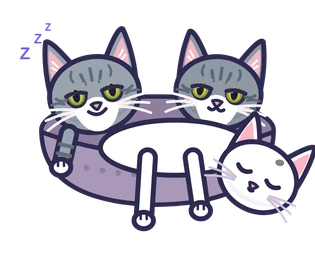
Bolt's brother. He curls up in the cat bed with Scotti and Bully to cheer kids on after a tough round.

The only girl in the litter. Kids earn her kitten sticker in Unscramble.
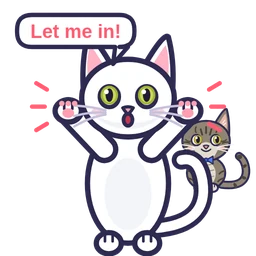
Momma cat. She knocks on the menu until someone plays for the day.

The compound-word cat. Her patchwork coat snaps “light” + “bulb” into “light bulb.”
Kids see a game. Grown-ups get the controls, behind a press-and-hold button little fingers won't trigger by accident.
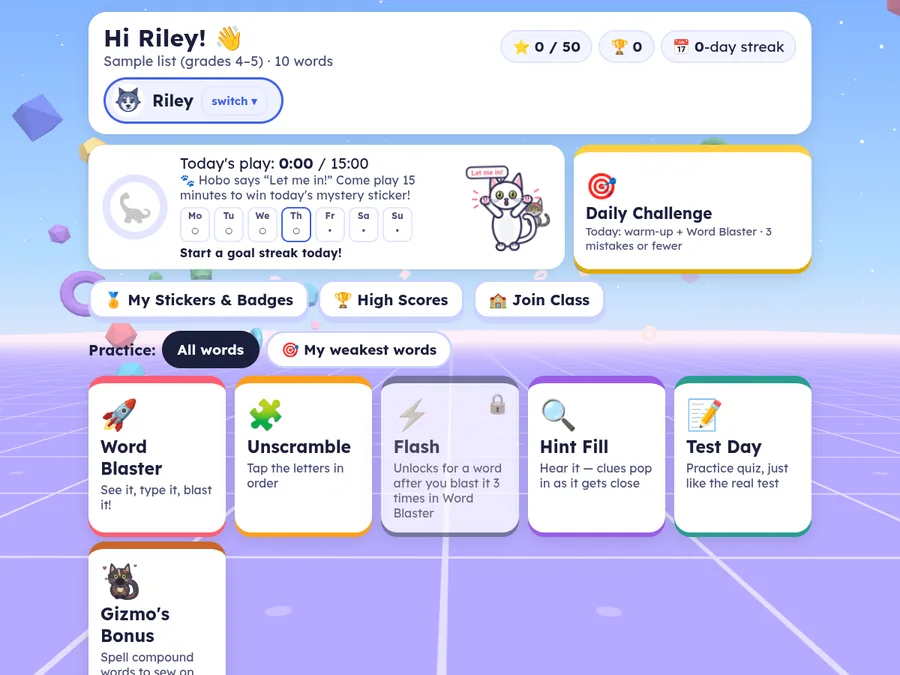
Time only counts while a round is actually being played, not on menus, paused, or during button mashing.
A sticker for each day the goal is reached, plus cat stickers, badges and unlockable backgrounds.
Siblings each get their own lists, stars, stickers and play time. No emails, no real names needed.
Add upcoming weeks ahead of time. Each one switches on by itself on its start date.
Snap a photo of the paper list. The words are read on the device and you check each one before saving.
Patterned lists for grades K–6 for weeks without a school list. The optional word check has no score and suggests where to start. A new school list always takes over.
Off until you turn it on. Enter the graded test, set a goal like “18 out of 20”, and see a week-by-week chart.
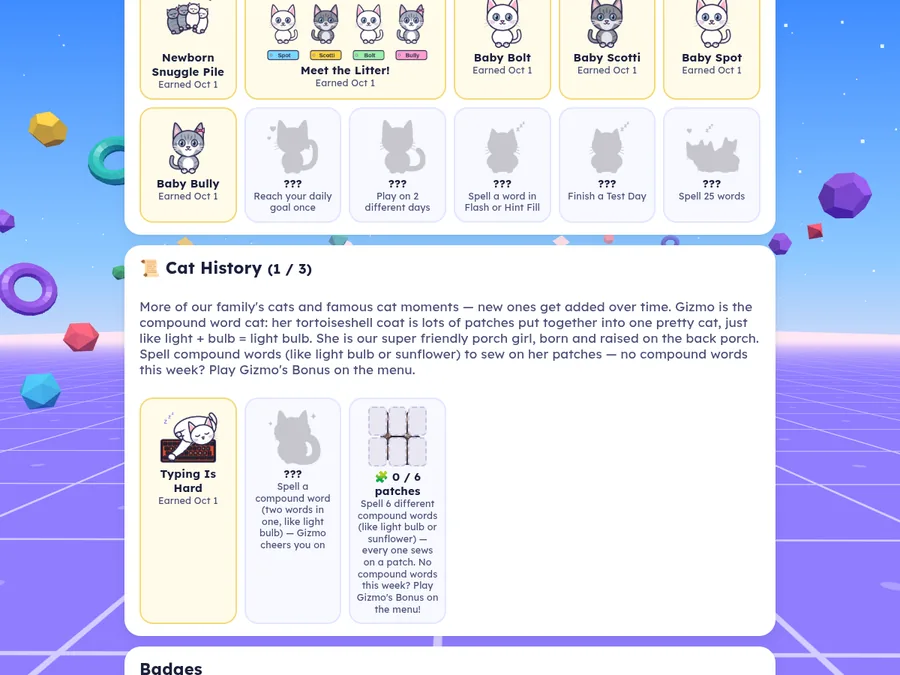
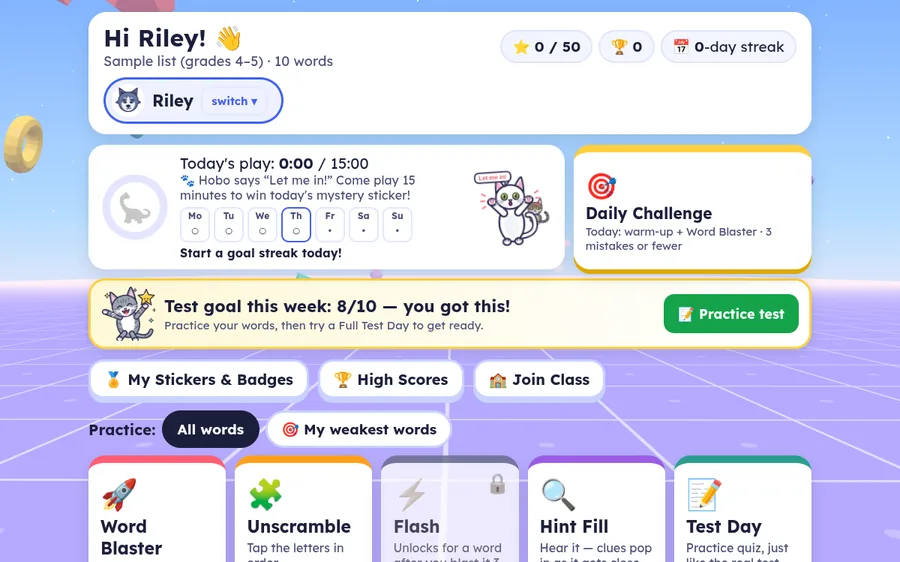
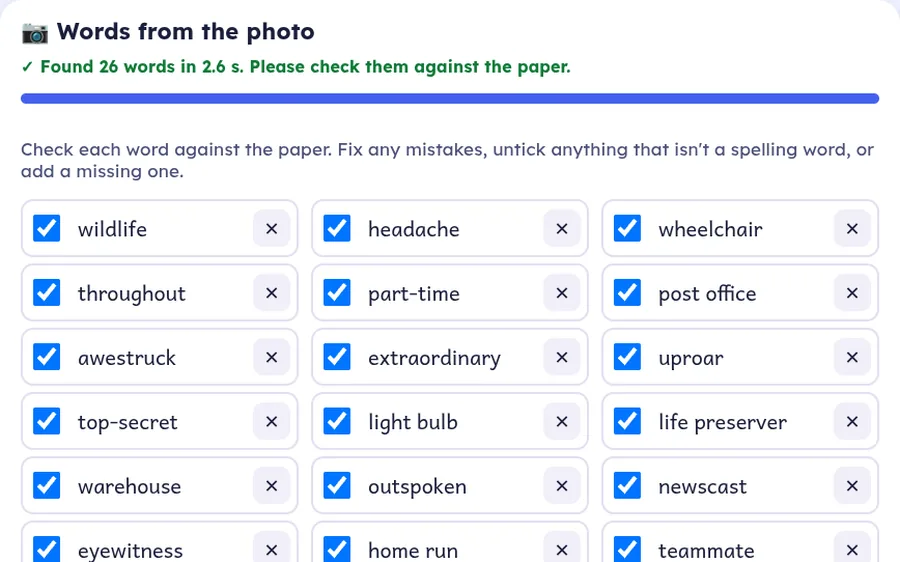
Step-by-step help, with screenshots, for setting up Word Blaster at home or running it with a whole class.

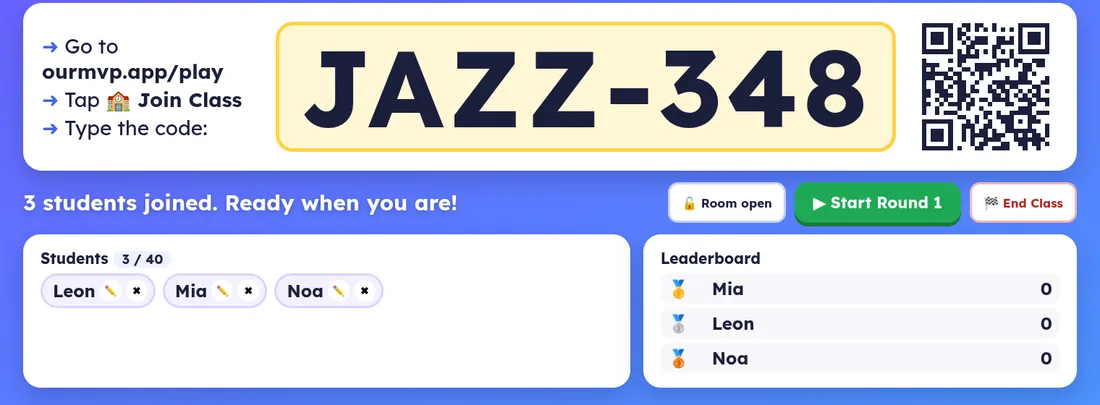
Teacher accounts are invite-only during the pilot. Teacher sign-in

Every week my son brings home a spelling list, and every week we did the same flashcards. So I built him a game instead: his words, our cats, and a reason to keep going. Now we're opening it up to a few more families while we test it.
Jeff, a 5th-grade speller's dad, and the OurMVP team
Free while in testing. Open it on a tablet, phone or computer, with no sign-up. No ads. No trackers.
▶ Try it with a sample list